Raptor Integration
In this article the procedure is discussed how to use Raptor in combination with D365-CE.
The following components have document support in Raptor.
- Account
- Opportunity
- Quote
Account
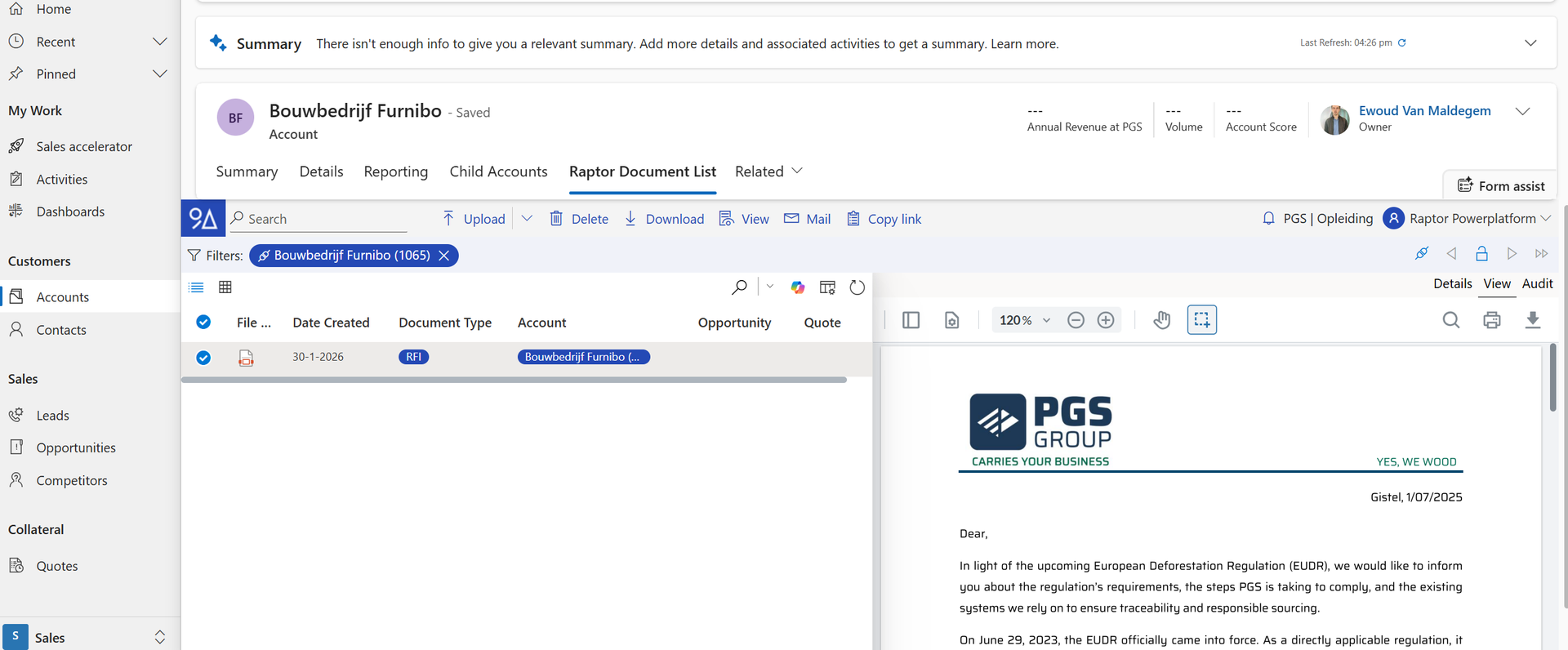
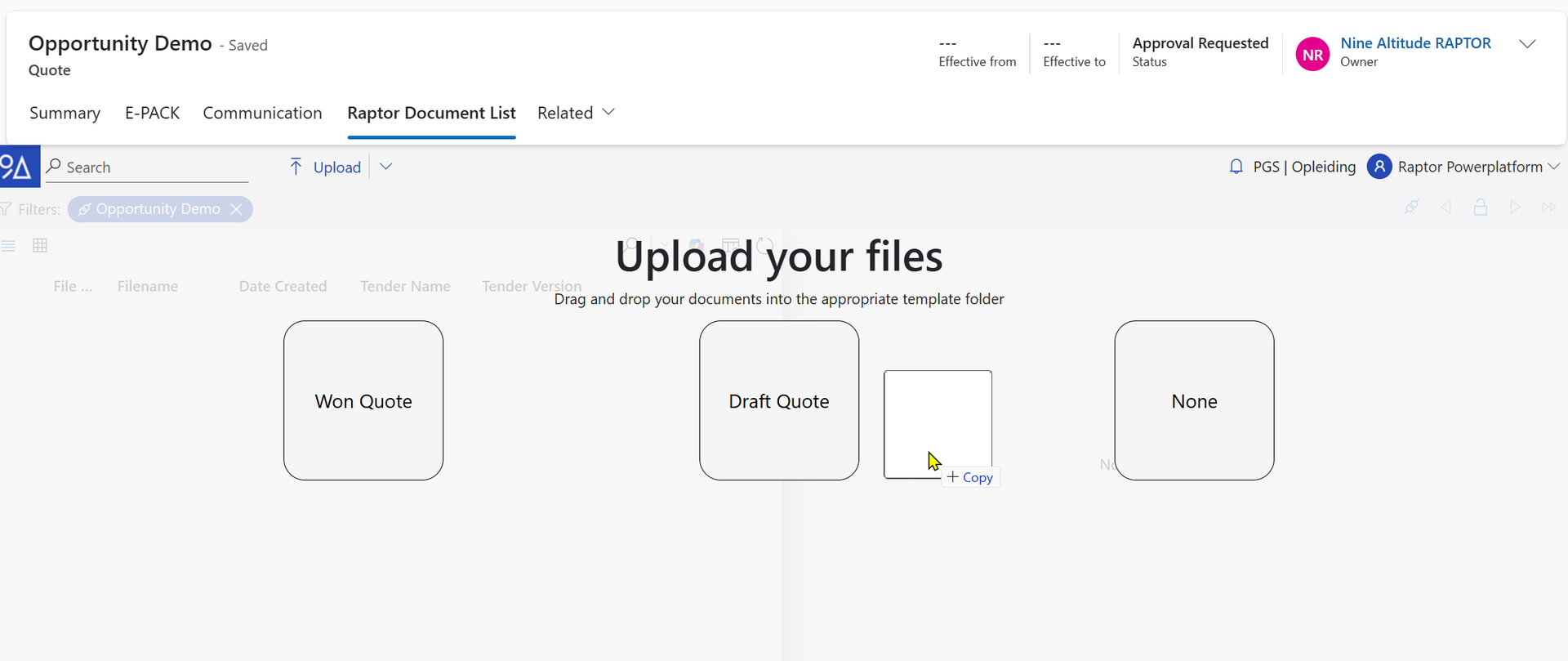
Using the Raptor Document List button, Documents can be added in Raptor.
The user needs to drag a document into the correct template.
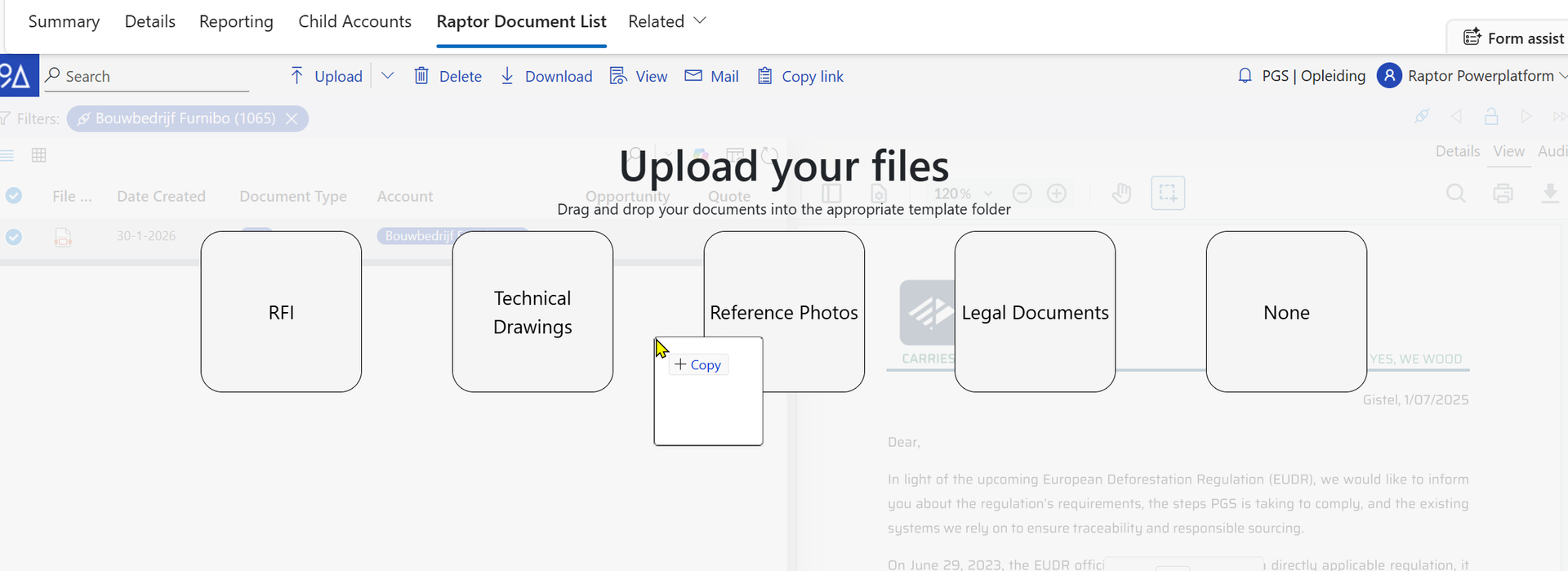
In the account view the following templates are foreseen.
- RFI
- Technical Drawings
- Reference Photos
- Legal Documents
- Excel Calculations
The tags will be set automatically if you select one of the above templates.
Opportunity
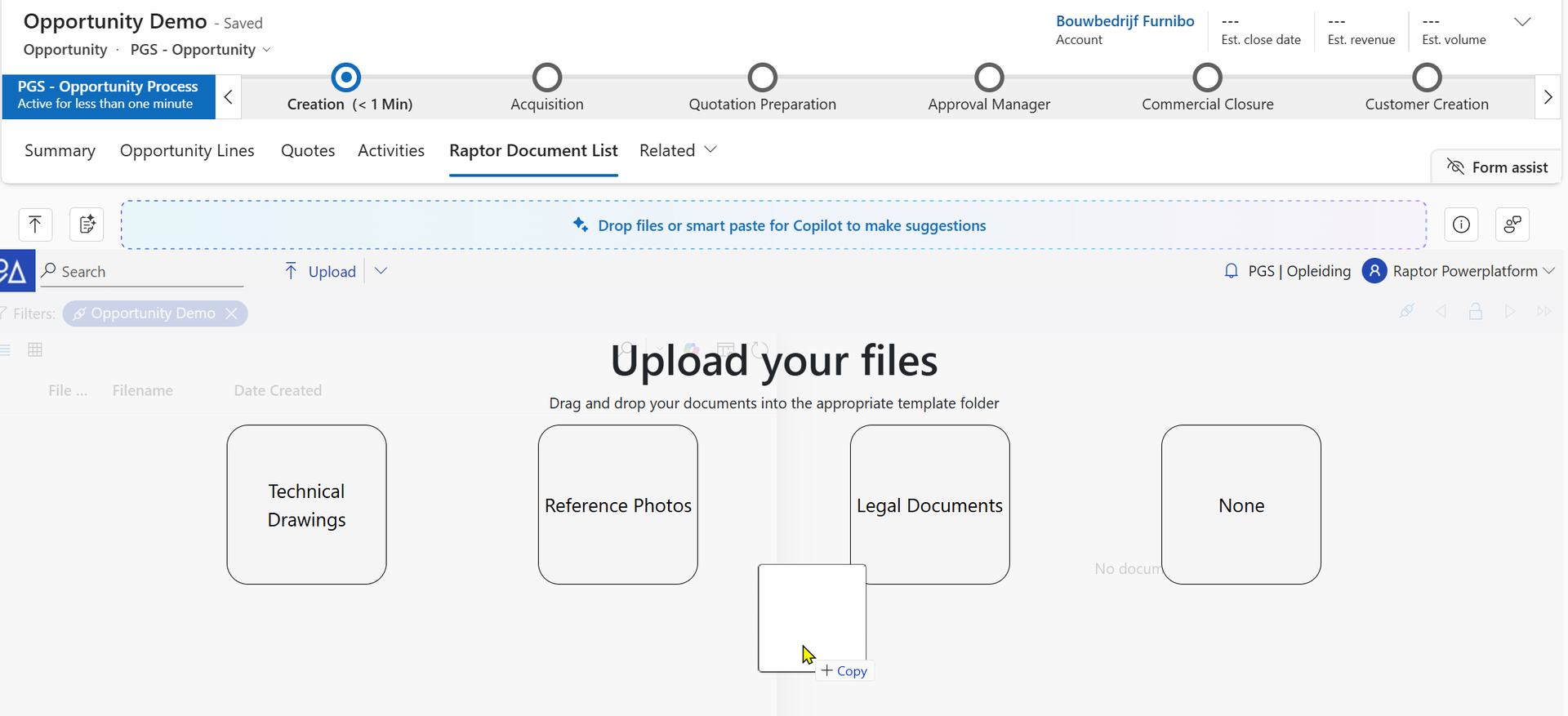
In the opportunity view the following templates are foreseen.
- RFI
- Technical Drawings
- Reference Photos
- Legal Documents
- Excel Calculations
Quote
In the quote view the following templates are foreseen.
- Draft Quote
- Won Quote
General Remarks
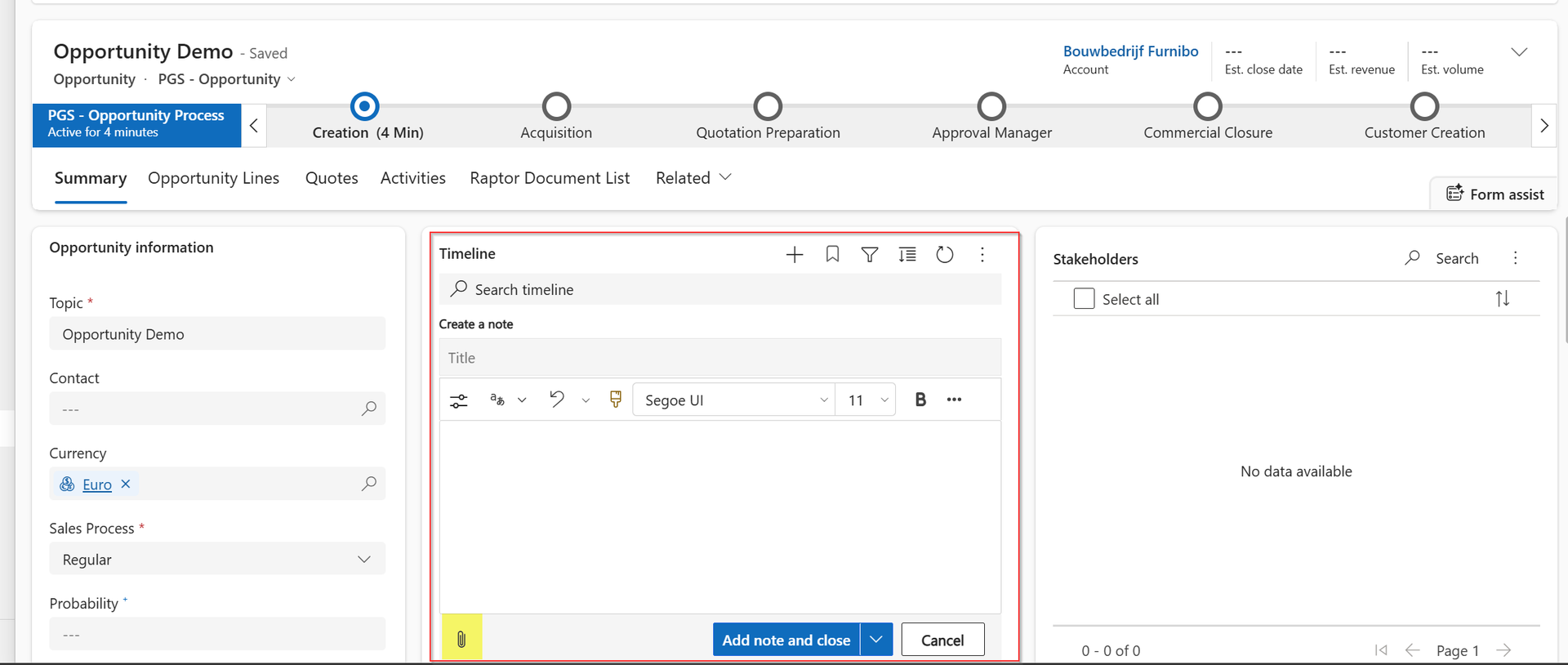
It's a best practice to not upload any files using the timeline. The file is not uploaded into Raptor and uses an expensive storage component, named Microsoft Dataverse.