Moving bar codes in stock with the ePack scanapp
Moving bar codes in stock with the ePack scanapp / Déplacement des codes-barres en stock avec l'application epack / Verplaatsen van barcodes in stock met de ePack scanapp / Barcodes ins Lager verschieben
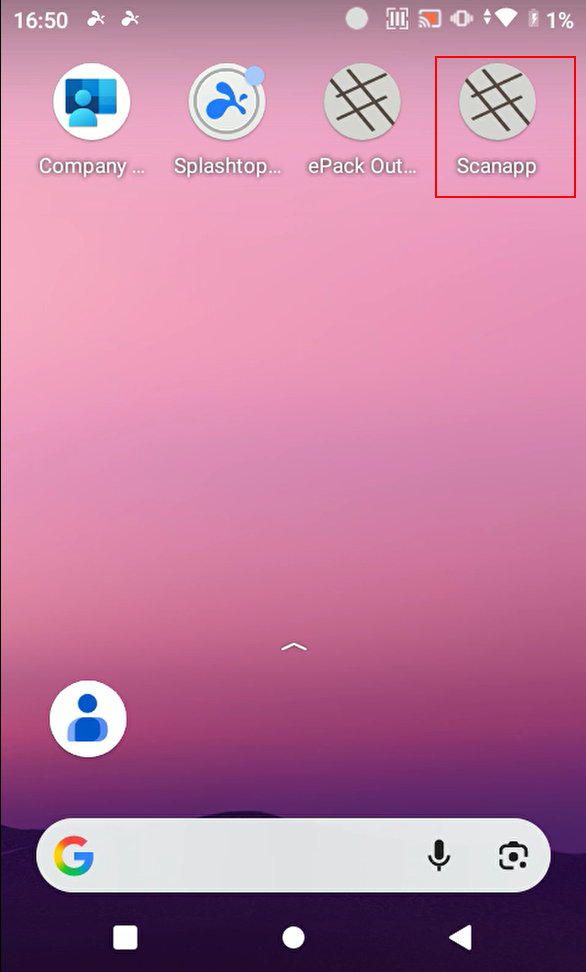
Open de scanapp on the PM451 scanner. This app works offline, this means that you can open it scan barcodes without connection to the internet.
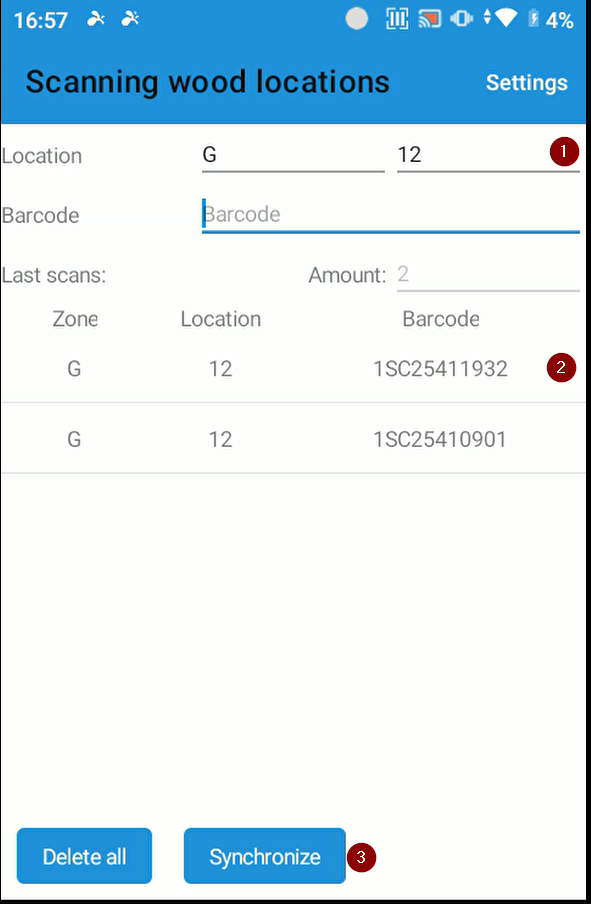
(1) Enter the target location where the pack will be moved to as new location.
(2) Scan the barcode(s) that you want to move and click 'synchronise' (3) You can add multiple destinations before synchronising. If you're working offline, you need to be connected first before you can synchronise the barcodes.
The barcodes disappear from the app and appear in this screen:
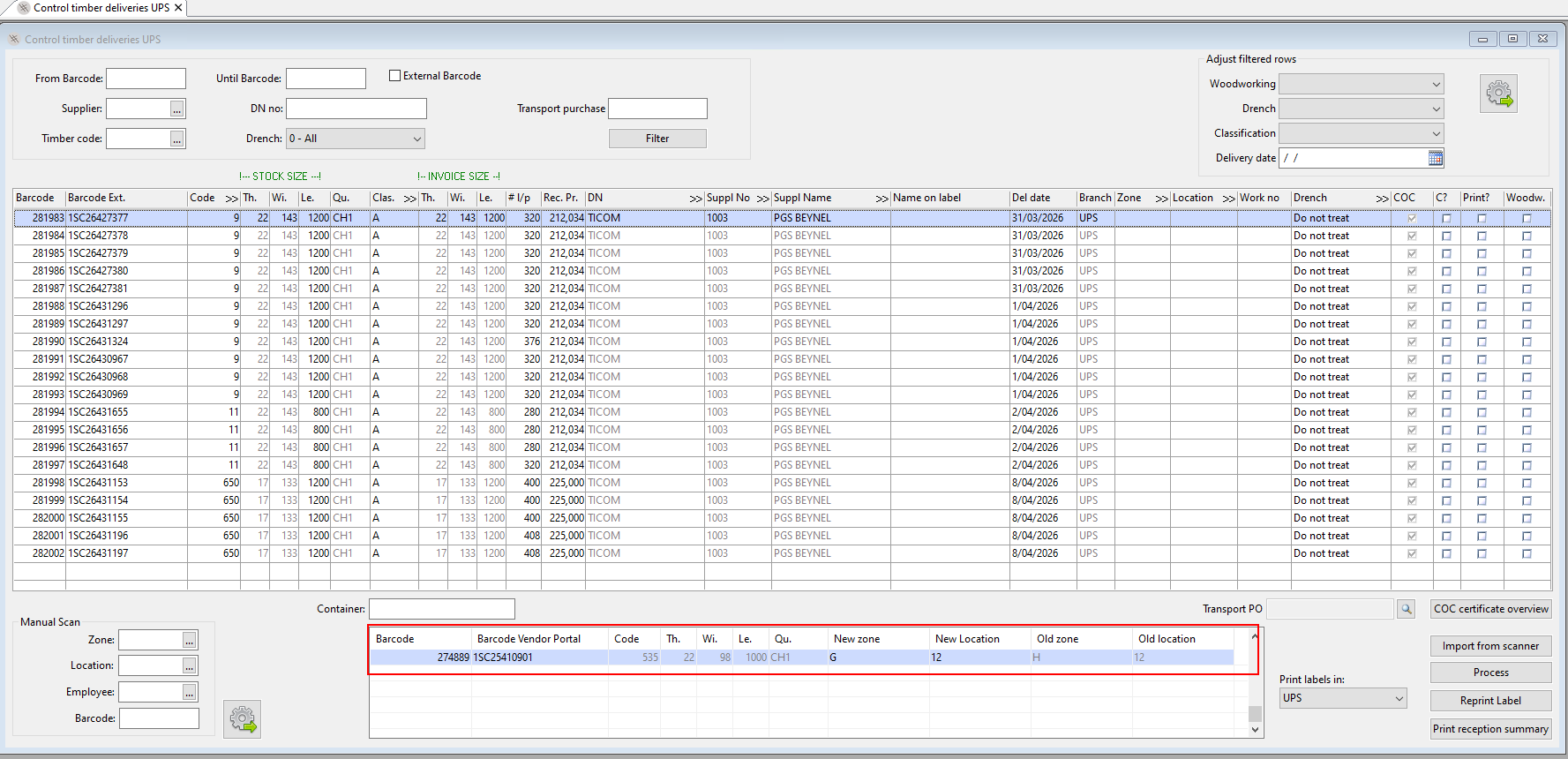
you can make correction before processing if necessary. After processing, the bar codes will appear on the new location in stock.
You can move packs between the stocks of different branches in the same entity by using new location = 00
scan the barcodes that you want to move and click 'synchronise'
the barcodes will appear in this screen:
you can make correction before processing if necessary. After processing, the bar codes appear in this screen:
(1) indicate the branch where the packs are going to
(2) possibly enter a reference
(3) click move
=> the packs will appear in the 'control timber deliveries' screen of the target branch to be put on stock.
Remark:you can also type in or scan the bar codes in the above-mentioned 'move timber' screen instead of using the PM451 scanner